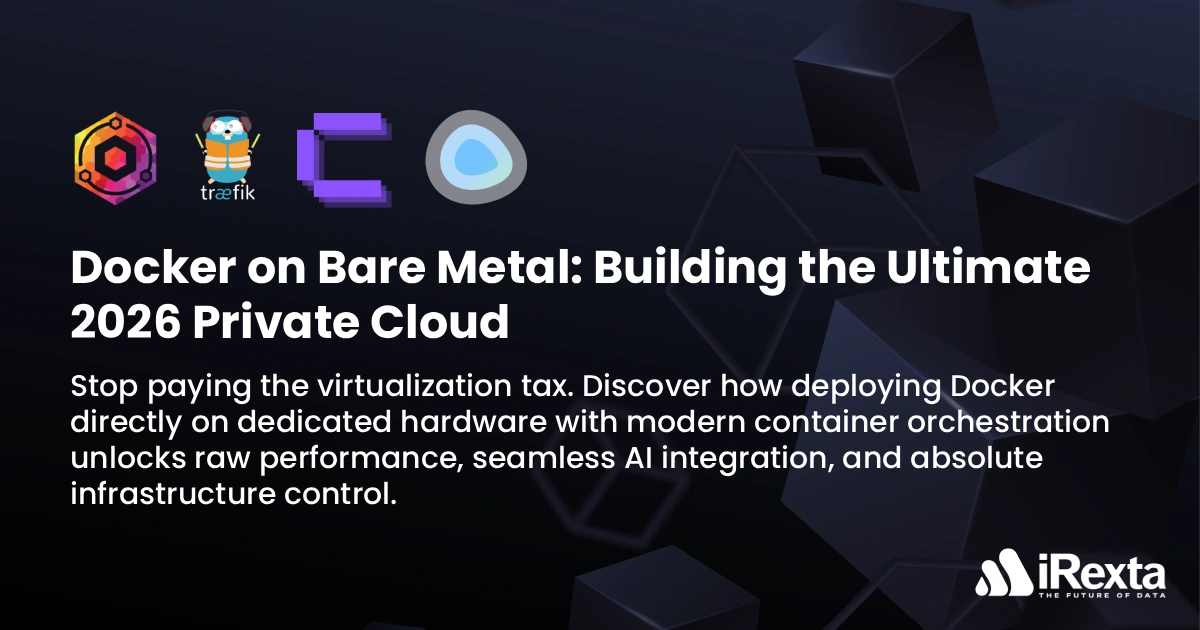
2026 Private Cloud Blueprint
- Base OS: Ubuntu 24.04 LTS or Debian 12 (Direct Install)
- Container Engine: Docker Engine (Standalone)
- Modern Orchestration: Coolify or Dockge (No Swarm required)
- AI and GPU Stack: NVIDIA Container Toolkit (Direct PCIe access)
The Reality: Hybrid Cloud and Bare Metal
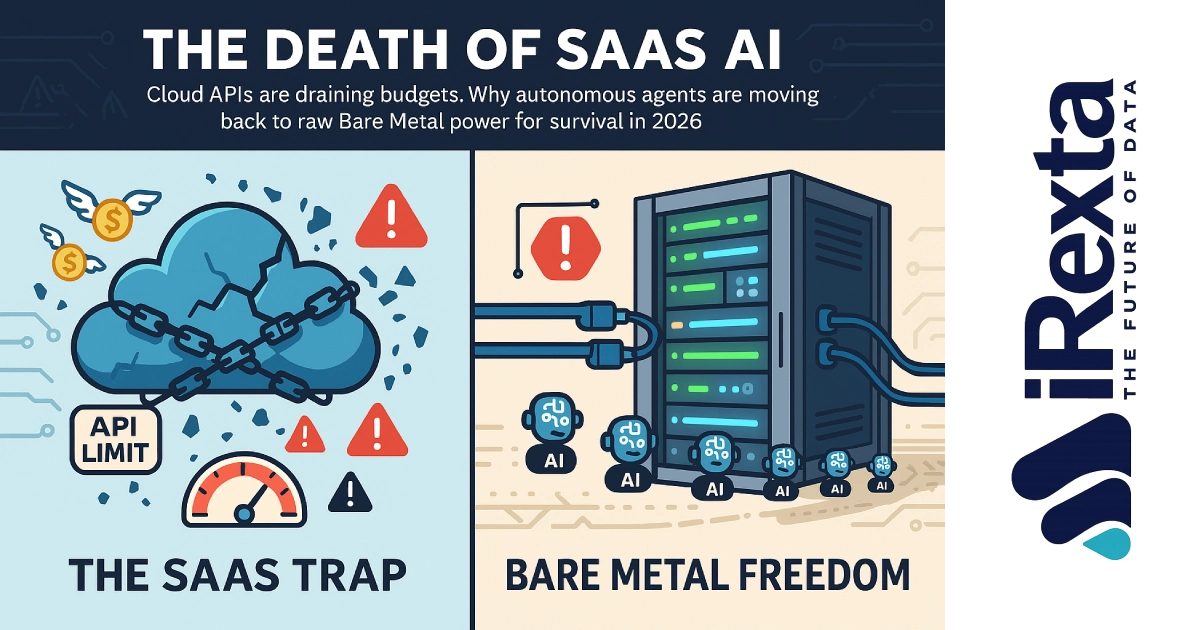
While cloud computing continues to grow globally, 2026 has solidified the Hybrid Cloud architecture. Companies are not abandoning AWS or GCP entirely; instead, they are strategically moving high IO databases and heavy AI workloads to Dedicated Bare Metal.
The reason is simple economics. Cloud is perfect for scalable microservices, but when your application demands constant massive disk reads and writes or GPU processing, public cloud provisioned IOPS and egress fees become astronomically expensive. Deploying Docker on bare metal offers a cost effective way to get cloud like deployment agility with unthrottled hardware.
What is Docker? The Cargo Ship Analogy
Imagine a massive cargo ship which represents your Bare Metal Server. In the past, companies would dump their cargo applications directly onto the deck. A fragile web app would clash with a heavy database, leading to the infamous dependency hell where updating Python for one app breaks another.
Docker introduced standardized steel shipping containers. Your Node app goes into one container while your PostgreSQL database goes into another. Both containers sit on the exact same ship and share the same underlying Linux Kernel, but they are completely isolated from each other. If one container crashes, the ship keeps sailing. This container orchestration guarantees that if your code works on your laptop, it will run identically on your dedicated server.
The Overhead Truth: VMs vs Native Docker
There is a common marketing myth that Docker on bare metal has zero percent overhead. In reality, container isolation features like Linux namespaces and cgroups introduce a negligible 1 to 2 percent overhead. However, this is still the most efficient way to run applications.
What about the Hypervisor Tax? Modern hypervisors like KVM and VMware ESXi are highly optimized. With CPU pinning and huge pages, a VM overhead can be reduced to just 2 to 5 percent. The real issue is not always the CPU, it is the storage IO.
Running Docker natively on Ubuntu or Debian removes the virtualization abstraction layer entirely. While a single NVMe drive might not always saturate modern PCIe Gen 5 lanes depending on the workload, granting your database containers direct access to the storage controller prevents the latency spikes commonly seen in shared hypervisor environments.
The AI Integration: Direct GPU Access
Passing a GPU through a hypervisor into a VM used to be a notoriously unstable process. Today, technologies like SR IOV and vGPU have made virtualized GPU sharing much more stable and enterprise ready.
However, introducing virtualization still adds unnecessary complexity to AI deployments. Deploying Docker directly on bare metal remains the cleanest architecture. By installing the NVIDIA Container Toolkit, your Docker daemon gains native access to the server Enterprise GPUs. You can deploy inference models via vLLM or Ollama instantly, allocating VRAM efficiently without fighting hypervisor configuration files.
The Modern 2026 Stack: Coolify and Dockge
In the early days of Docker, managing containers on a dedicated server required complex command line acrobatics or cumbersome enterprise tools like Docker Swarm. In 2026, the ecosystem has evolved to prioritize developer experience.
- Coolify The Vercel Alternative: Coolify is an open source, self hosted Platform as a Service. You install it on your bare metal Docker server, link your GitHub account, and every time you push code, Coolify automatically builds the container, provisions an SSL certificate, and deploys it live. You get the magic of premium cloud platforms without leaving your dedicated server.
- Dockge: For administrators who prefer standard docker compose files, Dockge has rapidly replaced older tools like Portainer. It offers a sleek reactive web GUI to manage, update, and monitor all your compose stacks in real time.
- Traefik and Nginx Proxy Manager: These automated reverse proxies act as the ultimate traffic controllers, intelligently routing incoming requests to the correct Docker containers while handling Let Encrypt SSL renewals entirely hands free.
The Bare Metal Reality: Security and 2026 Use Cases
It is a dangerous misconception that bare metal servers are inherently more secure than the cloud. Public clouds provide robust managed security layers out of the box, such as default VPC isolation, strict IAM controls, and managed DDoS protection.
When you deploy Docker on unmanaged bare metal, you become the security provider. You must manually architect the network. Furthermore, running Docker natively comes with a massive caveat: The UFW Bypass Flaw. By default, Docker manipulates Linux iptables. If you block a port using UFW but expose it via Docker, Docker punches a hole right through your firewall. You must explicitly bind sensitive ports to localhost.
What are companies self hosting on Bare Metal Docker in 2026?
- Nextcloud: The ultimate Google Drive or Workspace replacement. Running Nextcloud on bare metal NVMe eliminates the sluggishness typically associated with its PHP backend.
- Home Assistant: For Enterprise IoT and smart building management. Bare metal provides the ultra low latency required for real time sensor processing.
- GitLab CI CD: Self hosting your code repositories and CI CD pipelines directly on dedicated servers avoids per minute build limits imposed by cloud providers.
- Dedicated Game Servers: Heavy simulation games like Palworld, Rust, or CS2 are entirely containerized now. Docker allows gaming communities to spin up isolated, high tickrate servers in seconds.
Build Your Private Cloud with iRexta
The true power of containerization is only realized when paired with unthrottled, high performance hardware. Shared cloud platforms inherently restrict your IOPS and bandwidth, negating the speed advantages of Docker.
Whether you are deploying hundreds of microservices, hosting high traffic game servers, or running intensive AI models, you need raw infrastructure. iRexta provides enterprise grade Dedicated Servers and specialized GPU Servers equipped with PCIe Gen 4 and Gen 5 NVMe drives, massive ECC RAM, and unmetered network ports.
Take back control of your deployment pipeline. Install Docker on iRexta bare metal today, escape the hypervisor tax, and build a private cloud that is faster, more secure, and infinitely more cost effective than the public alternatives.